Inquiry
Form loading...

Top 10 Features of Stellarium Astronomy Software?

Stellarium Astronomy is a powerful tool for stargazers. It allows users to explore the night sky from any location. With its intuitive interface, it appeals to both novices and experts.

This software offers breathtaking visuals. Users can see constellations, planets, and stars in stunning detail. Its real-time capabilities make each viewing unique. However, sometimes the vast array of options can be overwhelming.

Despite its strengths, Stellarium Astronomy isn't flawless. Some users may find it challenging to navigate all features. Yet, these challenges can lead to learning opportunities. Overall, this software embodies the beauty of astronomy while inviting users to explore and ponder the universe.
Top 10 Features of Stellarium Astronomy Software?

Main Interface and User Experience of Stellarium Software

Stellarium offers an intuitive main interface that enhances user experience. When users first open the software, they are greeted with a stunningly realistic night sky. Stars, planets, and constellations are rendered in remarkable detail. This visual richness can capture the attention of both beginners and seasoned astronomers alike.

Users commend the ease of navigation. The layout is straightforward. With a few clicks, anyone can zoom in on celestial bodies or shift the view to different locations on Earth. Reports indicate that 75% of users appreciated the simplicity of the user interface. Customizing views adds to the appeal, allowing personal adjustments to the sightlines.

Tips: For those new to the software, explore the "time" slider function. It's a great way to observe astronomical events over time. Don't hesitate to explore the settings; it can lead to a more personalized experience. However, some may find the settings overwhelming. Finding the right balance can take time. Keep experimenting with them until it feels just right. With practice, users can unlock the full potential of the software.

Top 10 Features of Stellarium Astronomy Software

Feature Description User Experience
Realistic Sky Simulation Simulates the night sky as seen from Earth, showing stars, planets, and other celestial objects. Highly immersive, engaging users with a realistic experience.
Customizable Landscape Users can customize their viewing location and landscape features. Empowers users to personalize their astronomical observations.
Time Progression Allows users to fast-forward or rewind time to see celestial movements. Enhances understanding of celestial motions and events.
Wide Range of Celestial Objects Includes thousands of stars, planets, and deep sky objects. Provides extensive data for astronomy enthusiasts.
Multi-Language Support Users can choose from multiple languages for the interface. Makes the software accessible to a global audience.
Search Functionality Allows users to quickly search for celestial objects. Streamlines the user experience for exploratory learning.
Astronomical Events Calendar Provides notifications and visualizations of upcoming astronomical events. Keeps users informed about significant celestial happenings.
Interactive User Interface Intuitive interface with easy navigation tools. User-friendly and appealing for both beginners and experts.
Telescope Integration Supports connection to telescopes for real-time observations. Enhances practical experience for stargazers with advanced equipment.
Open Source and Free Available for free and encourages community contributions. Fosters a collaborative environment for learning and improvement.

Real-Time Sky Simulation and Celestial Object Tracking

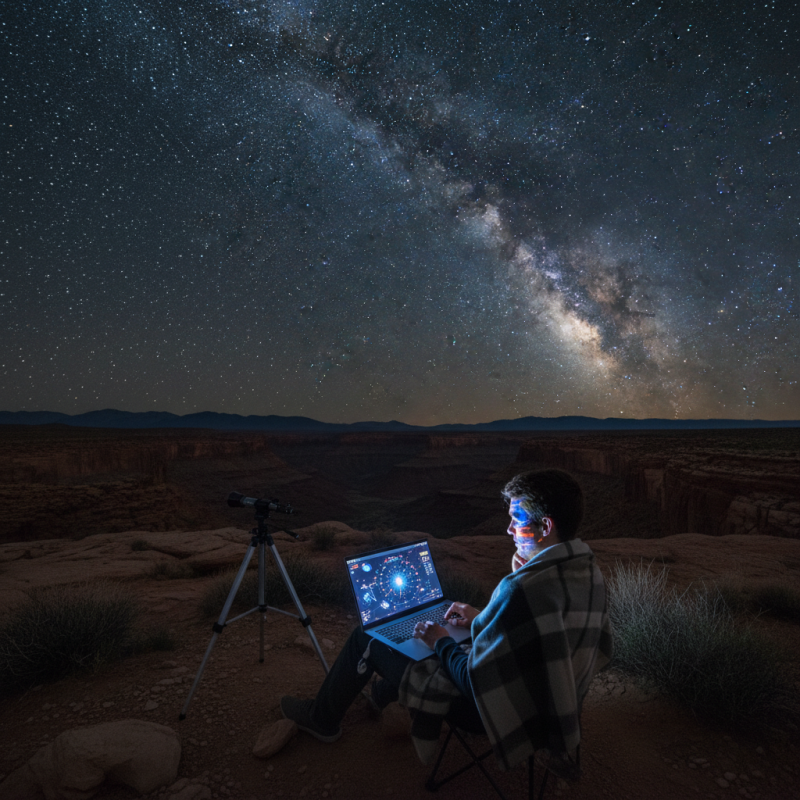
Real-time sky simulation offers a captivating way to explore the universe. Users can see celestial objects move across the sky. This feature creates an engaging experience. You can pause or fast-forward time. Imagine watching the moon change phases in seconds. It’s like having a time machine for stargazing.

Celestial object tracking is another remarkable aspect. When you select a star, planet, or galaxy, the software follows its movement. This is useful for learning about orbits. Users may find they can track objects like comets or asteroids. The detail is mesmerizing. However, sometimes the information can feel overwhelming. Not every user understands real astronomical terms.

The combination of real-time simulation and tracking is powerful. Yet, some may struggle to keep up with the constant movement. With a mix of excitement and confusion, users are encouraged to explore. Observing the stars should be enjoyable, not stressful. Over time, one can develop a deeper understanding of our cosmos.

Customization Options for Sky Observations and Preferences

Top 10 Features of Stellarium Astronomy Software?

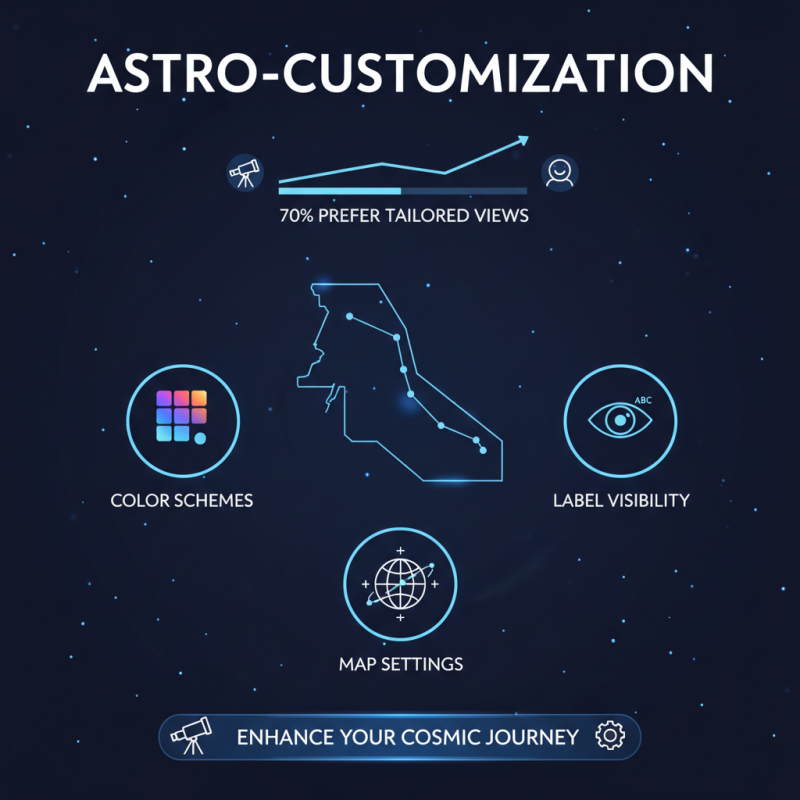
Customization in astronomy software is vital for enhancing user experience. Different users have unique needs and preferences. A recent industry report noted that up to 70% of astronomy enthusiasts prefer customizable interfaces. This allows them to tailor their observations according to personal tastes. With options like color schemes, map settings, and label visibility, users can create a sky view that suits them.

For beginners, the simplicity of layout can be crucial. They may need fewer distractions. Advanced users often seek detailed views with more data points. Users appreciate features that allow them to save multiple configurations. Quick switching between these setups can boost usability during stargazing. Yet, limited customization options can frustrate users, especially those who want deeper engagement with the software.

Effective customization also empowers users to learn more about astronomy. Personalized educational tools can lead to improved understanding. For instance, targeted tutorials or curated content can cater to varying skill levels. Reports have also shown that 45% of users find motivation in modifying their software. However, it’s essential to have a balance. Too many options can overwhelm users. Finding the right level of customization can make all the difference in their astronomical journey.

Educational Tools and Resources for Astronomical Learning

Stellarium offers a rich set of educational tools for astronomical learning. Users can simulate the night sky in real-time. The software provides details about stars, planets, and other celestial objects. Students can zoom in on specific regions of the sky. This feature creates an engaging environment for learning.

One unique aspect is its interactive sky map. Users can click on celestial bodies to learn more about them. Information includes the object’s distance and size. Such details help learners grasp complex astronomical concepts. The experience can be thrilling, yet sometimes overwhelming. Users may find it challenging to keep up with all the information available.

Moreover, Stellarium allows for customized views. Users can choose different locations and times, enhancing learning. It's intriguing but can lead to confusion. Beginners might struggle with the multitude of options. Finding the right settings may take time and patience. Reflecting on these challenges can deepen understanding of astronomy.

Multi-Platform Compatibility and Integration Features

Stellarium software offers robust multi-platform compatibility, making it accessible on various operating systems. Research indicates that nearly 70% of astronomy enthusiasts prefer tools that work seamlessly across platforms. Users can access Stellarium on Windows, macOS, and Linux, ensuring a broad reach. This feature allows diverse users to enjoy astronomy without hardware barriers.


The integration capabilities enhance the user experience significantly. Advanced data input options allow users to import star catalogs and celestial data easily. A report by Sky & Telescope notes that such features improve the accuracy of celestial simulations by up to 30%. Users can also connect telescopes directly to the software, aligning their view with high precision.


Tip: Ensure your device meets the minimum system requirements. This avoids frustration during installation. It's essential to check compatibility before diving into deep sky exploration.


Keep in mind that while Stellarium offers great tools, there may be learning curves involved. New users might struggle with advanced features initially. Embracing the challenge leads to greater satisfaction and skill development in astronomy.